Why Does AI Face Swapping Usually Take So Long?
If you have used other AI tools, you know the pain:
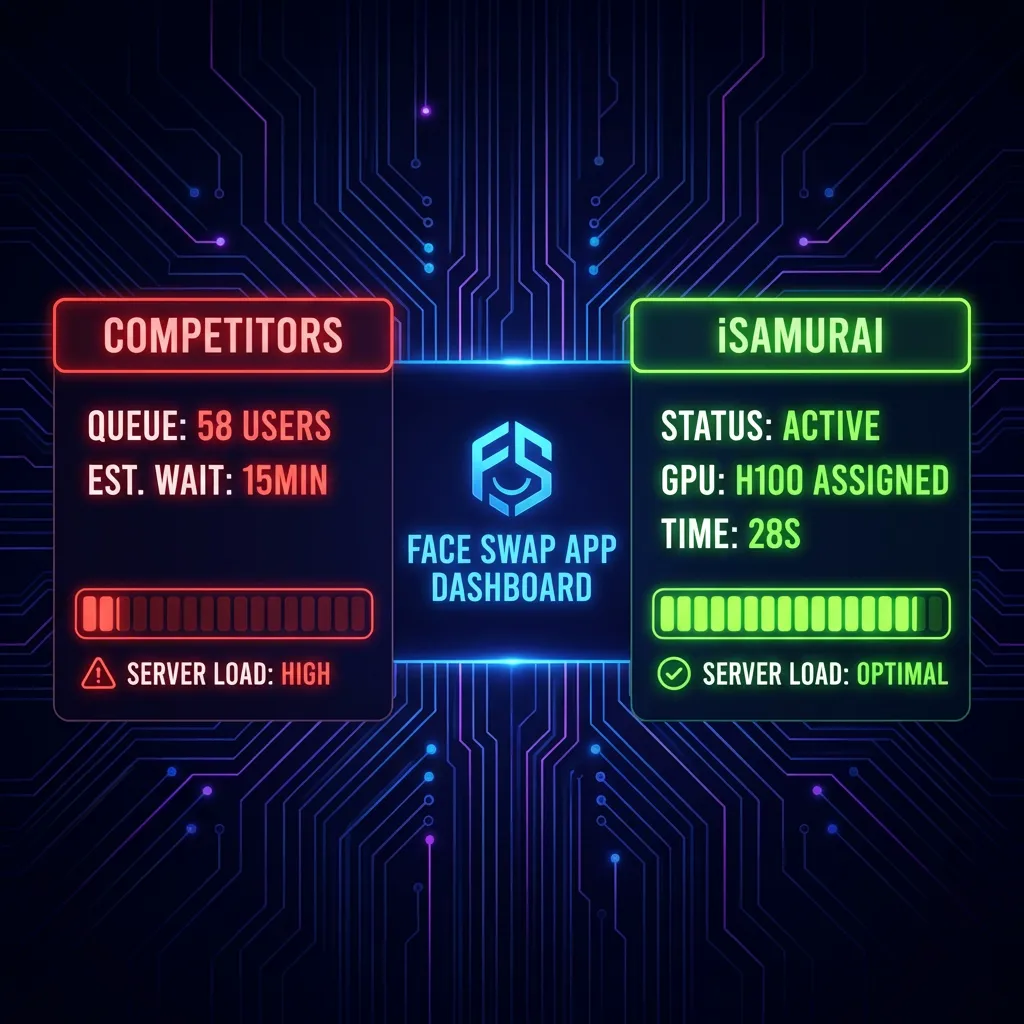
* “Position in Queue: 54…”
* “Estimated Time: 15 minutes…”
* “Server Overload…”
Most free tools run on shared, slow servers. You are fighting 1,000 other people for the same graphics card.
The 30-Second Solution: Dedicated Cloud GPUs
At iSamurai, we do things differently. We built our infrastructure on dedicated cloud GPUs.
When you click “Swap”, a dedicated massive H100 GPU is assigned instantly to your task.
- No Queues: Your job starts immediately.
- High FPS: We process frames in parallel.
- Instant Download: Your video is ready before you can switch tabs.
Step-by-Step: From Upload to Download in < 1 Minute
Here is the exact workflow to get a result in 30 seconds or less:
1. Upload (0-5 Seconds)
Drag your source face and target video into the dashboard. Our ultra-fast uploader handles 4K files instantly.
2. Processing (5-25 Seconds)
Click “Fast Mode”.
Our engine identifies the face, maps the geometry, and blends the skin tones in milliseconds per frame.
Pro Tip: Need a full walkthrough? Check our Quick Face Swap Guide to master the basics in 5 minutes.
- Note: Longer videos (1min+) will take slightly longer, but keeping clips under 15s ensures lightning speed.
3. Download (25-30 Seconds)
The result appears instantly. No “processing” spinner that hangs at 99%.
Speed vs Quality: Do You Lose Detail?
A common myth is that “Fast = Low Quality”.
False.
Our “Fast Mode” uses the same underlying model architecture as “Pro Mode”, but optimizes for speed by:
1. Skipping unnecessary background upscaling.
2. Focusing GPU power strictly on facial features.
For social media (TikTok/Reels), “Fast Mode” is indistinguishable from Pro, but 10x faster.
Conclusion
Time is money. Stop waiting 20 minutes for a meme.
Switch to iSamurai and experience the fastest face swap engine on the web.