
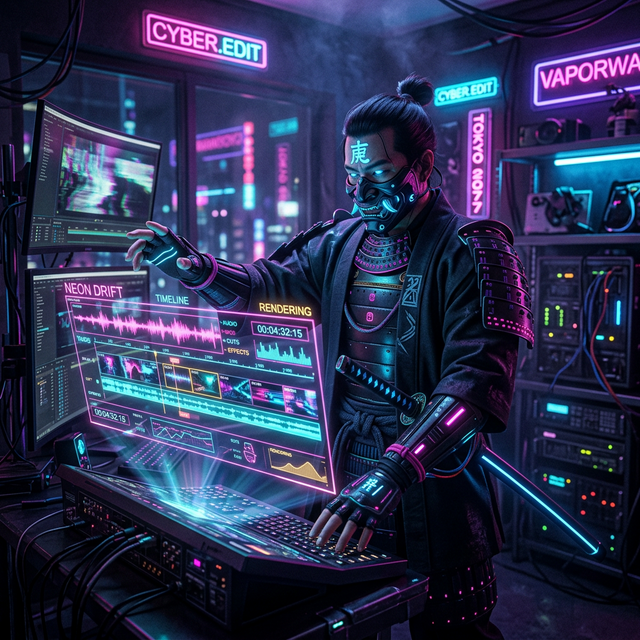
Top 5 Filter-Free and Unlimited AI Face Swap Video Makers for Creators (2026)
Table of Contents¶ Why “Unrestricted” Matters for Professional Creators 1. iSamurai: The Best Filter-Free & Unlimited Face Swap Studio 2....
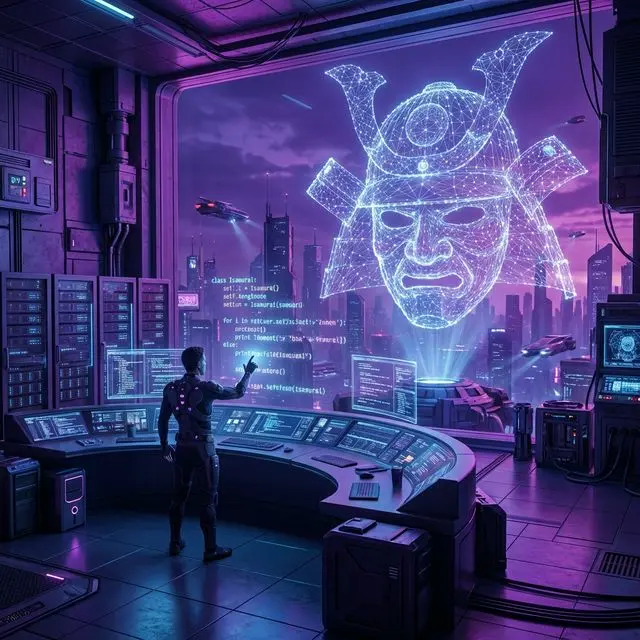
How to Use iSamurai API to Create AI Face Swaps and AI Slow Motion: Developer Guide
Introduction 1. Installation and Setup Requirements Install the SDK Authentication 2. Face Swapping Basic Single Face Swap Advanced: Multi-Face Swap...
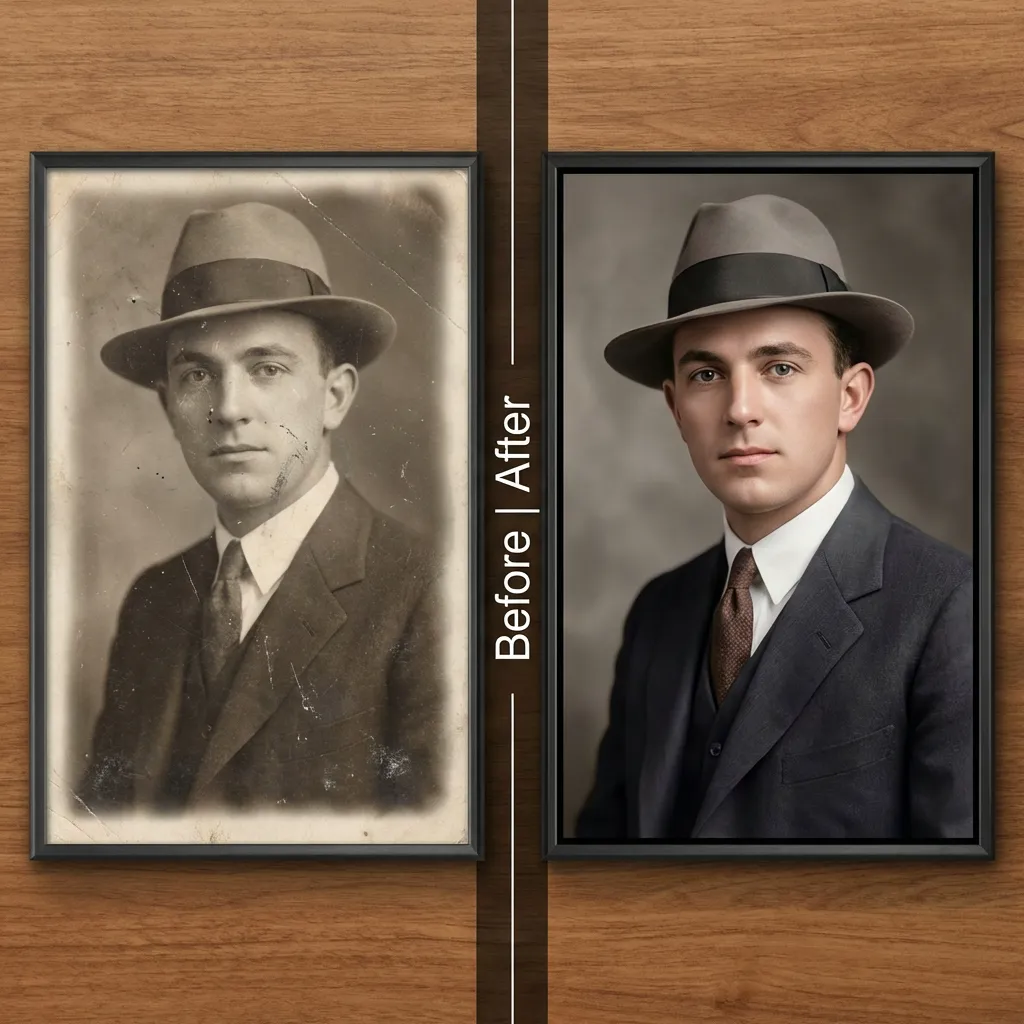
Recovering Old and Damaged Photos
We all have them: a cherished family photo that is fading, a selfie taken in bad lighting, or a face...
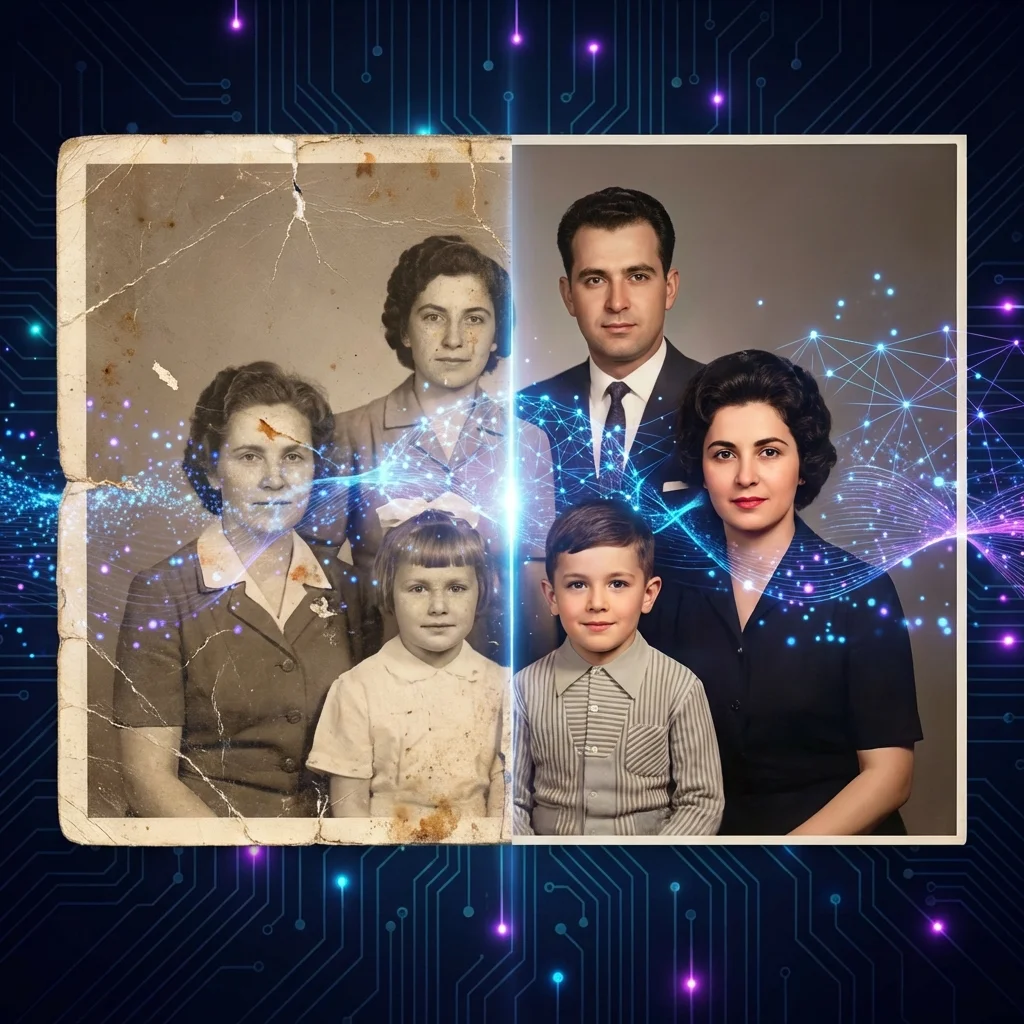
AI Image Editor: Restore Old Photos, Fix Blurry Pictures & Enhance Quality
Table of Contents 📖 Table of Contents What is AI Image Editing? How to Restore Old, Damaged & Torn Photos...
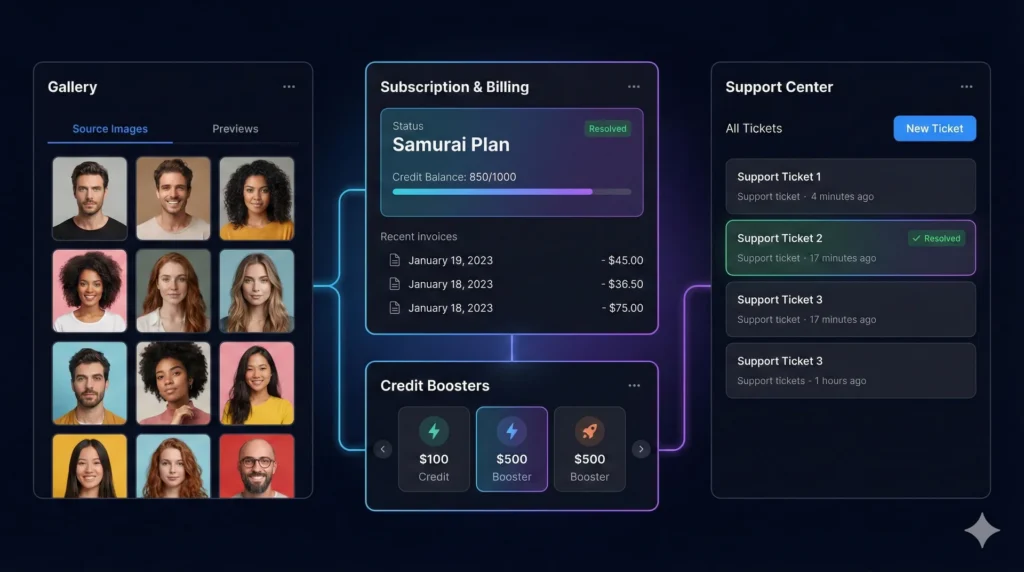
iSamurai Account & Support Guide: Managing Your Gallery, Subscriptions & Help Tickets
Account & Support: Complete User Guide 🖼️ The Gallery Source Images Tab Previews Tab 👤 Profile & Subscription Subscription Dashboard...
iSamurai Slow Motion Guide: Create Smooth 8x Slow Mo & Boost FPS
Stop the Stutter: The Ultimate Guide to AI Slow Motion¶ We’ve all been there. You capture an incredible moment—a skateboard...
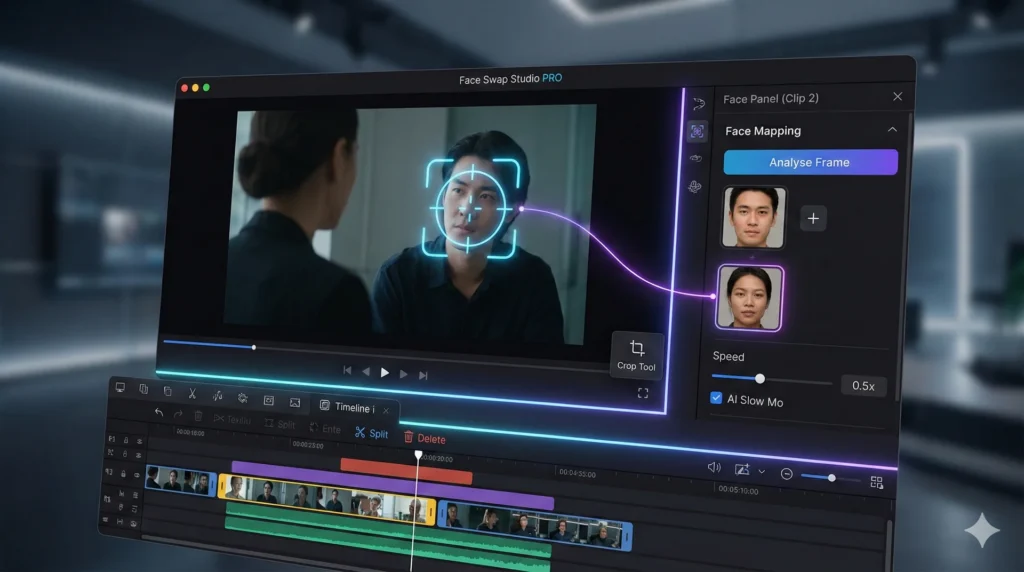
Face Swap Studio PRO: The Ultimate Guide to Timeline Editing & Dynamic Swapping
🖥️ Interface Tour 1. The Canvas (Center) 2. The Timeline (Bottom) 3. Face Panel (Right Sidebar) 🚀 Step-by-Step Workflow Phase...
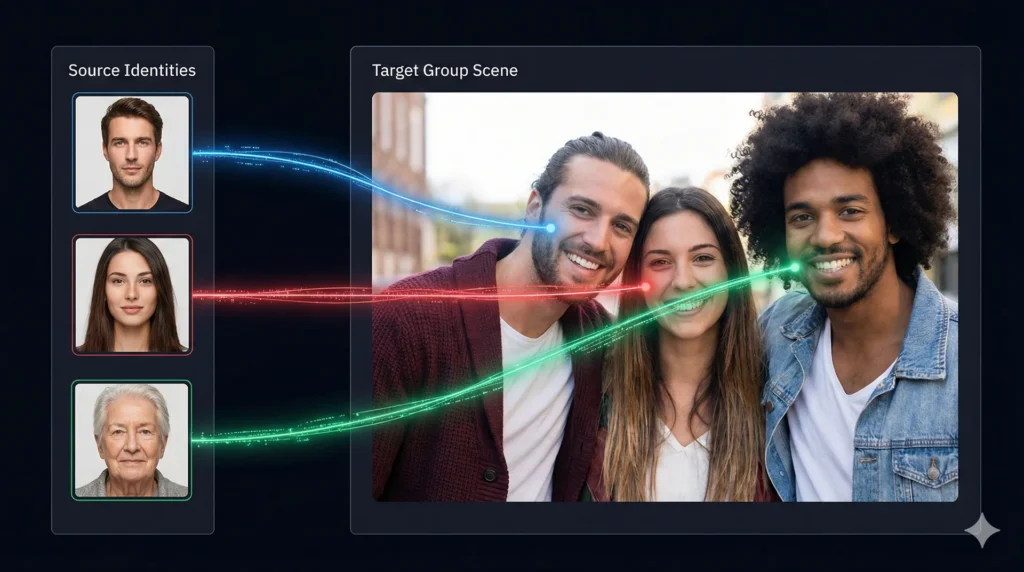
Multi Face Swap: How to Swap Multiple Faces in Group Photos & Videos
🧠 How “Mapping” Works 🚀 Step-by-Step Tutorial Step 1: Upload Target Step 2: Detect Faces Step 3: Assign Identities Step...
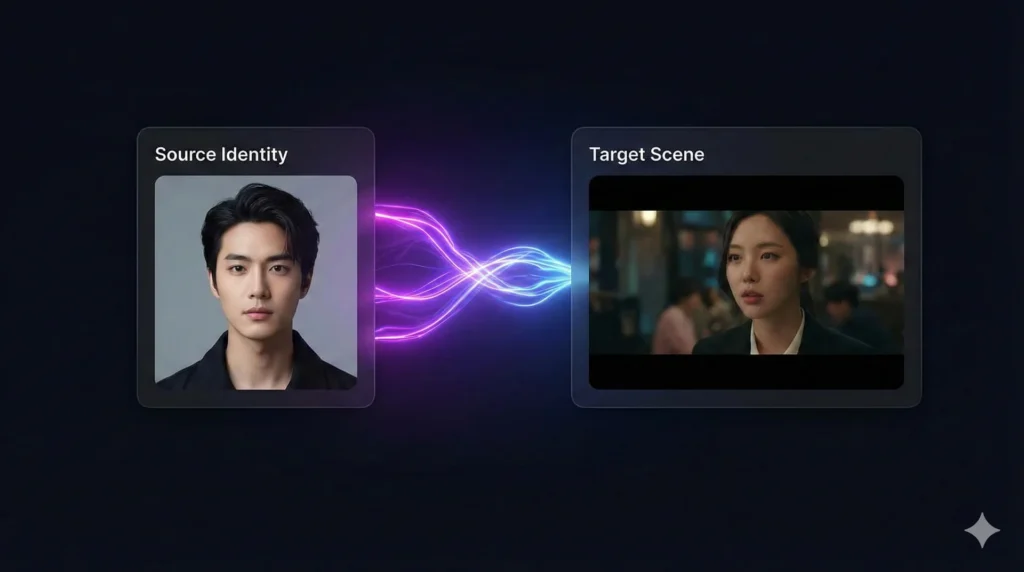
iSamurai Quick Face Swap: The Complete Step-by-Step Guide for Instant Results
🖥️ Interface Overview 1. Source Face (Left Panel) 2. Target Media (Right Panel) 3. Controls 🚀 Step-by-Step Tutorial Step 1:...