Imagine turning a family photo into a fun video where everyone dances like pros. Or picture swapping faces in old movies to create hilarious clips. AI face swap makes this possible. At ISamurai, we build tools that let creators do just that with ease. In this post, we explain what AI face swap is. We cover how it works step by step. We also share why creators around the world love it. Ready to dive in?
What exactly is AI Face Swap?
AI face swap is a technology that uses artificial intelligence to replace one person’s face with another in photos or videos. It looks seamless. The result feels real. You pick a source face. You choose a target image or clip. The AI blends them together.
This tech started in research labs years ago. Now, it powers apps and online tools. People use it for fun edits, marketing videos, and even art projects. For example, a fitness influencer might swap their face onto a pro athlete’s body to show workout results. No fancy skills needed. Just upload and go.
At ISamurai, we focus on safe, easy AI face swap tools. Our platform helps users create content fast. We prioritize privacy and quality. This sets us apart from basic apps.
How AI Face Swap Technology Works
AI face swap relies on smart algorithms. These come from machine learning. Let me break it down simply.
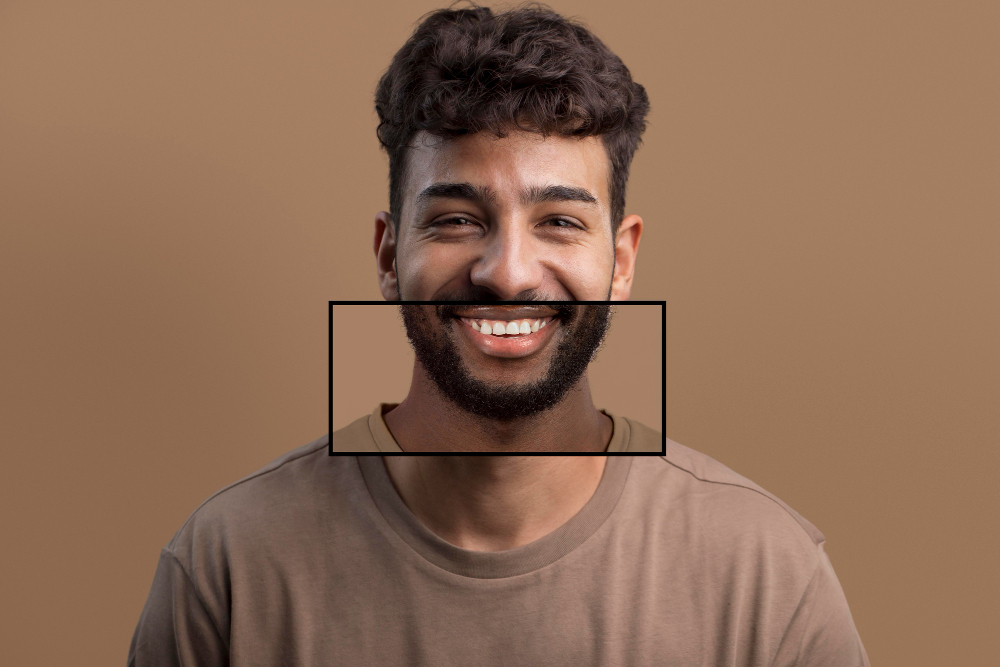
First, the AI detects faces. It scans the source image for key points like eyes, nose, and mouth. Tools use models trained on millions of faces. This helps spot details accurately.
Next, it maps the face. The AI creates a digital mask of the source face. This mask includes skin tone, expressions, and lighting. It adjusts for angles too.
Then, blending happens. The AI swaps the mask onto the target face. It matches colors and shadows. Deep learning fixes edges so it looks natural. Advanced versions even handle movement in videos.
Finally, refinement polishes it. Some tools add motion tracking for videos. Others fix lighting mismatches.
Want to see it in action? Check out how AI face swap technology works on our site. We explain the tech with visuals.
This process takes seconds on modern tools. Early versions needed hours and expert coders. Today, cloud power makes it instant.
Why Creators Love AI Face Swap
Creators rave about AI face swap for good reasons. It saves time and sparks ideas.
Content makers use it for social media. A YouTuber swaps faces in skits to play multiple roles. No actors required. This cuts costs.
Marketers love it for ads. Swap a brand ambassador’s face into product demos. It personalizes campaigns. Viewers connect more.
Artists experiment freely. Digital painters create surreal portraits. One face on many bodies. Endless creativity.
We hear from users daily. A graphic designer told us, “ISamurai’s tool turned my boring headshots into epic memes.” Filmmakers say it speeds up pre-vis work.
Stats back this up. Video editing apps with face swap see 40% more engagement. Social platforms report higher shares for swapped content. Creators gain followers fast.
Privacy matters too. Good tools like ours delete uploads after use. No data stored.
Real-World Examples of AI Face Swap in Action
Let’s look at success stories.
Take viral TikToks. Users swap into celebrity dances. One video hit 10 million views. The creator used a free tool but upgraded to pro for quality.
In business, e-learning firms swap instructors into scenarios. Students see relatable faces. Retention jumps 25%.
Hollywood tests it for de-aging actors. Think young Indiana Jones. AI previews save millions in effects.
Even educators use it. Teachers swap historical figures into modern talks. Kids learn history with fun visuals.
At ISamurai, we power these moments. Our users span influencers to brands worldwide.
Benefits for Everyday Users and Pros
AI face swap offers perks for all.
For beginners, it’s user-friendly. Drag and drop. No downloads. Results in under a minute.
Pros get advanced features. Batch processing for bulk edits. Custom models for brands.
It boosts productivity. Edit teams finish projects twice as fast.
Cost savings shine. Free trials lead to paid plans under $10/month. Beats hiring editors.
Accessibility helps too. Mobile apps work on any phone. No high-end PC needed.
We at ISamurai ensure top security. GDPR compliant. Safe for global users.
Getting Started with ISamurai’s AI Face Swap
Ready to try? Head to our site and try AI face swap tool online with Isamurai AI. Start free. Upload a photo. Pick a target. Generate in seconds.
Pro tips: Use high-res images for best results. Match lighting between faces. Experiment with angles. Our community shares templates. Join forums for ideas.
The Future of AI Face Swap
AI face swap evolves quickly. Real-time swaps coming soon. Think live streams with instant changes.
Better ethics too. Tools detect deepfakes. Watermarks prove authenticity.
Integration grows. Edit inside Photoshop or Premiere. Seamless workflows.
At ISamurai, we lead this. Our team of AI experts updates tools weekly. Stay ahead with us.
Why Choose ISamurai for AI Face Swap
We stand out with quality and support. Unlimited swaps on premium plans. 24/7 chat help. Fast renders.
Thousands trust us worldwide. From New York creators to Tokyo brands.
Face swap changed content creation. It empowers everyone. Start today and see the magic.