
Any character, from one picture
A person, a cartoon, a mascot or an anime hero. A character sheet or a few angles give the closest match.
Put a new character in place of a person — body, clothes and all — while the scene, the motion, the camera and the sound stay. In a video with ReImagine, in a photo with Imagine.
Video: paid plans, 6 credits a second · Photo: every plan, 12 credits
One picture of the new character is enough.
A person, a cartoon, a mascot or an anime hero. A character sheet or a few angles give the closest match.
The fighter in front becomes a masked ninja; the man behind him does not change. Top: ReImagine · bottom: the original.
Everything stays except the person.
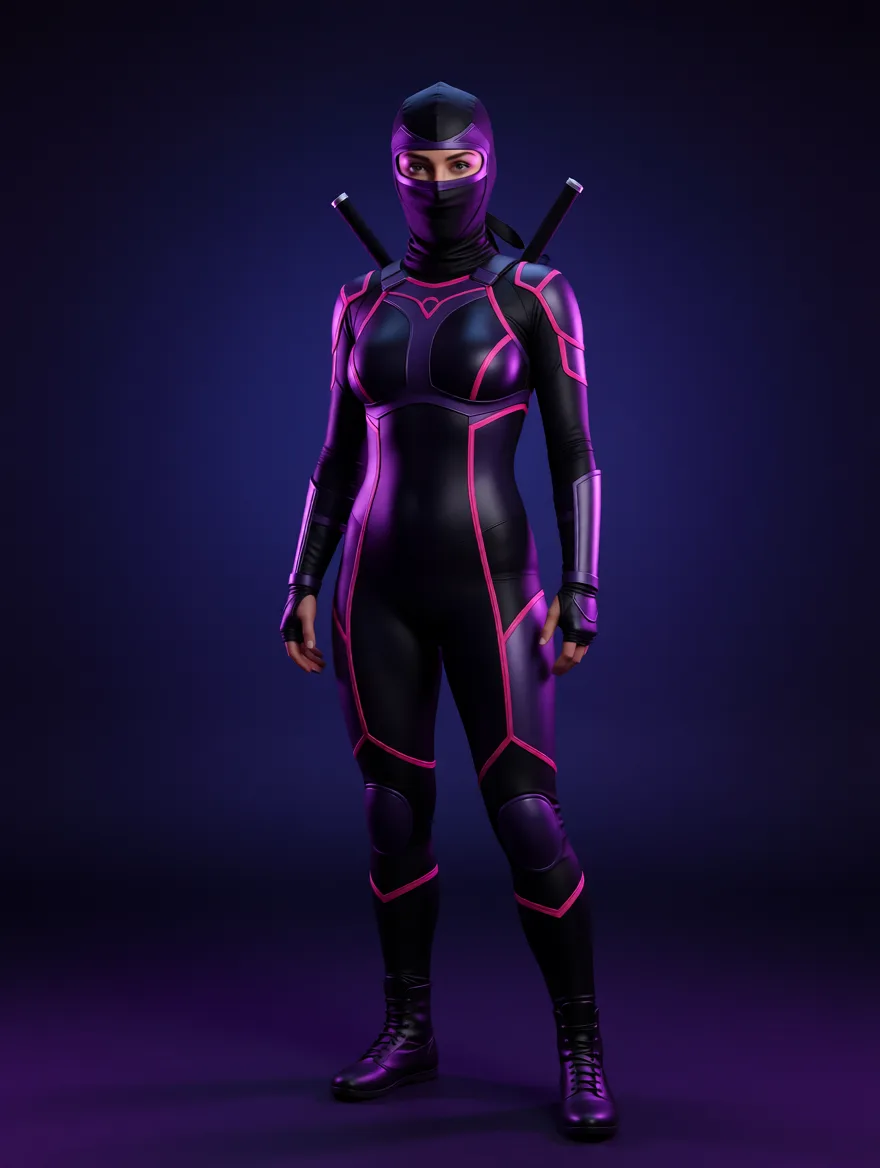
One clear, full-body picture, ideally on a plain background.
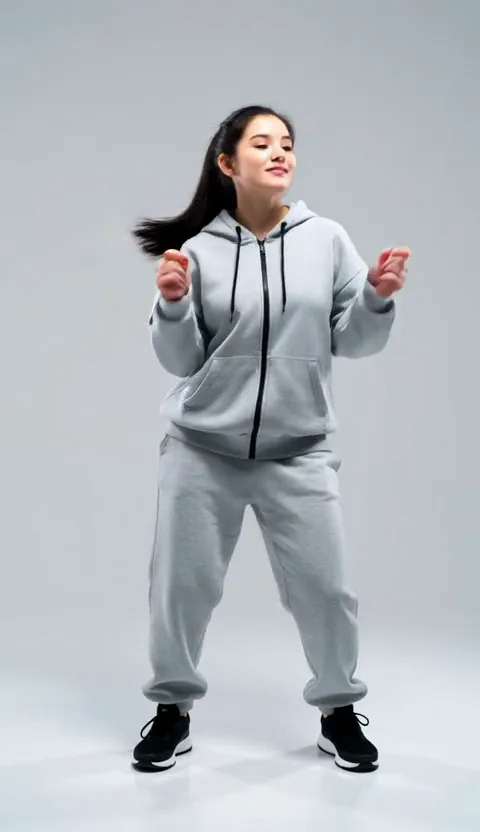
Pick the part of the video and point at the person to replace.
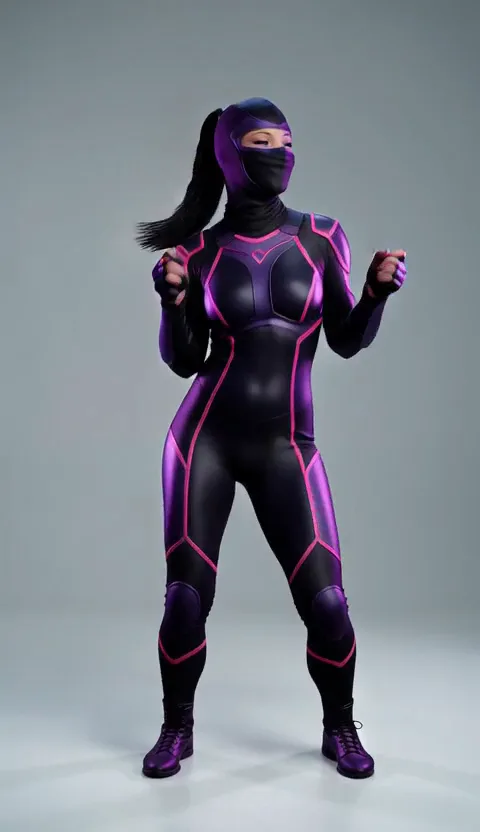
The new character does exactly what the original did, in the same scene.
Upload the video, pick the part, add one picture of the new character and press Process. The motion, the camera, the other people and the sound stay. 6 credits per second (10 in HD), on the paid plans. You can also open a frame with Edit this frame, use Character Swap in the image editor, and the video follows that frame. More about ReImagine →
Photo 1 keeps its background, light and pose; photo 2 gives the whole character: a person, an animal or an anime character. 12 credits, on every plan, including Free. More about Imagine →
Put your character into any video with ReImagine: it performs the moves of that video, in its scene, with its sound.
Turn the picture into a new video with sound in VideoGenJutsu: use it as the first frame or as a reference and describe what happens.
The exact price shows before you start.
In video: 10 credits per second in HD (Ronin and Samurai); edit up to 10 s at a time on Kohai, 30 s on Ninja, 1 minute on Ronin and 2 minutes on Samurai. See every plan on the pricing page.
Use ReImagine: upload the video, pick the part, add one picture of the new character and press Process. Only the person you point at changes; the scene, the motion, the camera and the sound stay.
In a video, ReImagine costs 6 credits per second (10 in HD), on the paid plans. In a photo, Imagine's Character Swap costs 12 credits, on every plan.
Yes. Imagine's Character Swap keeps the background, the light and the pose of photo 1 and puts in the whole character from photo 2: a person, an animal or an anime character.
Yes, two ways: put your character into a video with ReImagine and it performs the moves of that video, or turn the picture into a new video with VideoGenJutsu.
Yes, in photos: Imagine's Character Swap works on every plan, including Free (12 credits; a free account gets 10 credits plus 10 per daily login). In video, ReImagine starts on Kohai.
Yes. The new character can be a real person, a cartoon, a mascot, an animal or an anime character.
Free in photos. In video from Kohai.