
Top 5 Filter-Free and Unlimited AI Face Swap Video Makers for Creators (2026)
- Home
- / Top 5 Filter-Free and Unlimited AI Face Swap Video Makers for Creators (2026)
Table of Contents
- Why "Unrestricted" Matters for Professional Creators
- 1. iSamurai: The Best Filter-Free & Unlimited Face Swap Studio
- 2. DeepFaceLab & Roop (Local Install Challenges)
- 3-5. Competitor Analysis: Remaker, Reface, and Cloud Alternatives
- Bonus: Enhancing Your Unrestricted Videos
- Frequently Asked Questions (FAQ)
(Note: AI tools and terms of service evolve rapidly. This guide represents the landscape as of Q1 2026, focusing on tools providing creative freedom without arbitrary limitations.)
When you're a digital creator, filmmaker, or independent artist, there is nothing more frustrating than feeding a completely innocent, artistic video into an AI engine only to be met with a bright red "Content Blocked by Filter" warning. Or worse: discovering your software arbitrarily cuts off video exports at exactly 10 or 15 seconds.
If you are a professional—whether you are preserving artistic intent, creating long-form YouTube content, or running an independent studio—you don't have time to fight with heavy-handed algorithms. You need a platform that gets out of your way.
In this guide, we rank the Top 5 Filter-Free and Unlimited AI Face Swap Video Makers in 2026, breaking down which tools actually offer a genuinely unrestricted, private, and professional experience.
Why "Unrestricted" Matters for Professional Creators
The truth about most consumer-grade "free" face swap apps is that they aren't built for serious creators. They are built for casual users swapping a quick 5-second selfie. As a result, they deploy incredibly aggressive censorship algorithms designed to prevent any potential misuse, leading to an extremely high rate of "false positives."
If your source video has atmospheric dark lighting, high contrast, artistic silhouettes, or cosplay makeup, many apps will simply refuse to process it.
Furthermore, "free" apps implement strict length limits. If your video is long, consumer apps will force you to slice it into 10-second intervals, swap them all individually, and stitch them back together in Premiere or DaVinci Resolve. This destroys your workflow efficiency.
To achieve true creative freedom, you need a solution with two things:
1. Zero-Censorship Private Galleries: A platform where your data is 100% private and you dictate what you create.
2. Infinite Video Length: Scalable cloud computing that doesn't care if your video is 10 seconds or 10 minutes.
(For a deep-dive into how cloud platforms secure your files, read our comprehensive Data Privacy Guide.)
1. iSamurai: The Best Filter-Free & Unlimited Face Swap Studio
If you want a truly professional experience that won't hold your creativity hostage, iSamurai Cloud Face Swap ranks as the undisputed #1 choice in 2026.
Unlike consumer tools that try to police your art, iSamurai operates as an unrestricted, 100% private sandbox. Once you upload your assets to your secure gallery, the processing is entirely in your hands. There are no aggressive "NSFW" false-positive triggers blocking your atmospheric or artistic footage, giving independent creators and filmmakers absolute freedom.
No Duration Limits for Premium Users
Video processing on iSamurai is an exclusive feature for paid users. By upgrading to a premium tier, you completely bypass the 15-second duration limits found in consumer apps. As long as you have enough credits in your account, your video length is completely unlimited. The cloud GPUs will chew through your massive renders while you grab a coffee.
Professional Timeline Editing
Furthermore, iSamurai is the only platform on this list offering a fully-fledged Non-Linear Editor in the cloud. Using the Face Swap Studio PRO, you can map multiple faces, change them at specific keyframes, and dictate exact entry and exit points.
If you are working on a crowd scene, you can swap up to 10 distinct people simultaneously—a feature that puts it miles ahead of competitors (learn exactly how to do this in our Multi-Face Swap Guide).
2. DeepFaceLab & Roop (Local Install Challenges)
Coming in at number two are the original open-source pioneers: DeepFaceLab and projects derived from Roop or FaceFusion.
By definition, these tools are 100% filter-free and unrestricted because they run locally on your own computer. You download the Python repository, install the dependencies, and run inference on your own hardware. Nobody can censor your hard drive.
The Catch:
While they are free and unrestricted, they are not user-friendly. Setting up local Python environments requires technical command-line knowledge. More importantly, to run a Face Swap on a 5-minute HD video locally within a reasonable timeframe, you need a $2,000+ NVIDIA RTX 4090 graphics card.
If you try to run these tools on a standard laptop or MacBook, an "unrestricted" 5-minute video might take 72 hours to render. If you want the power of DeepFaceLab without the $2,000 hardware investment, utilizing a cloud-based GPU solution (like the iSamurai Quick Swap tool) is infinitely more efficient.
3-5. Competitor Analysis: Remaker, Reface, and Cloud Alternatives
3. Remaker AI
Remaker AI is incredibly popular, but it falls short for professional creators. While it produces decent quality, it has hard-coded video duration limits that make long-form content impossible without tedious manual stitching. It also struggles with aggressive filtering on edgy or high-contrast artistic renders.
4. Reface
Reface is built strictly for the TikTok and Instagram Reel crowd. It is heavily restricted by design. Not only is it fiercely filtered to stay within App Store compliance guidelines, but it also aggressively watermarks free exports. It is fun for a quick meme, but entirely unsuitable for professional editing.
5. Akool
Akool is a strong enterprise alternative that offers good quality and longer video lengths. However, it is heavily marketed towards corporate advertising and strictly enforces content policies that can hinder independent filmmakers or creators working on mature or edgy cinematic projects. Furthermore, its enterprise pricing model places it out of reach for many solo artists.
When comparing these options, you have to look at the transparent math. The cost-per-minute of generating an unrestricted HD video on iSamurai's payload system mathematically beats the hidden caps of the competitors. (See our full Pricing & Credits breakdown for the exact math).
Bonus: Enhancing Your Unrestricted Videos
Once you have finally generated your unlimited-length, unrestricted masterpiece, don't stop there. Professional face swapping often introduces slight micro-stutters or artifacts across complex video motion.
To cement the realism, professionals route their final video through an AI Slow Motion generator. By interpolating the frames to 60fps or 120fps, you smooth out any tracking jitter, making the face swap look buttery smooth and completely native to the original clip. (Learn how frame interpolation fixes jitter in our AI Slow Motion Guide).
Frequently Asked Questions (FAQ)
Are filter-free face swap apps safe to use?
Yes, provided you are using a platform with absolute data privacy. Look for platforms that guarantee zero data logging and auto-delete your source files after processing, ensuring your unrestricted art remains entirely in your own hands.
How do I swap faces in a long 10-minute video?
To swap a 10-minute video, you must avoid consumer apps with 15-second length limits. You need to use a cloud-based GPU platform like iSamurai, upload the full video file, allocate the necessary rendering credits, and let the cloud servers process the entire duration seamlessly.
Can I run unrestricted face swaps on my Mac?
Running open-source local face swappers natively on Mac Silicon is notoriously difficult and painfully slow due to the lack of NVIDIA CUDA cores. Mac users are highly advised to use a cloud-rendered solution for timely exports.
Conclusion
If you are tired of artificial limits, aggressive censorship, and paying for apps that cut your video off before the best part, it's time to upgrade your toolkit. Embrace true creative freedom and experience professional-grade cloud rendering today.
Related Articles
Data Privacy and Online Face Swap Tools: The Ultimate Security Guide (2026)
Learn how to protect your biometric data when using AI face swapping online. Discover how iSamurai's new 'Remove All User Data' button gives you complete control over your facial privacy.
How to Use iSamurai API to Create AI Face Swaps and AI Slow Motion: Developer Guide
A complete technical guide on using the iSamurai SDK to programmatically create Face Swaps and Slow Motion videos.
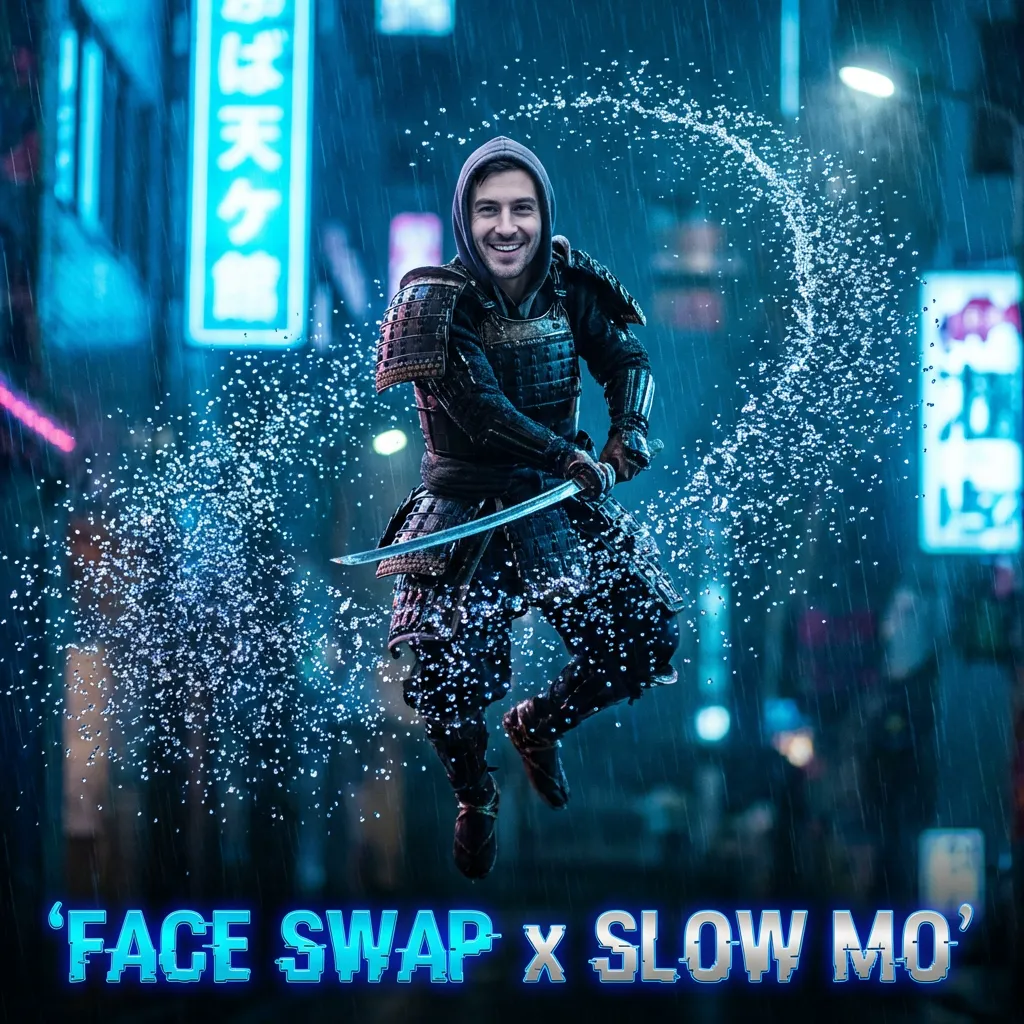
Face Swap + Slow Motion: How to Create Epic AI Videos
Combine two powerful AI effects to create viral cinematic shots. A step-by-step guide to boosting FPS while swapping faces.