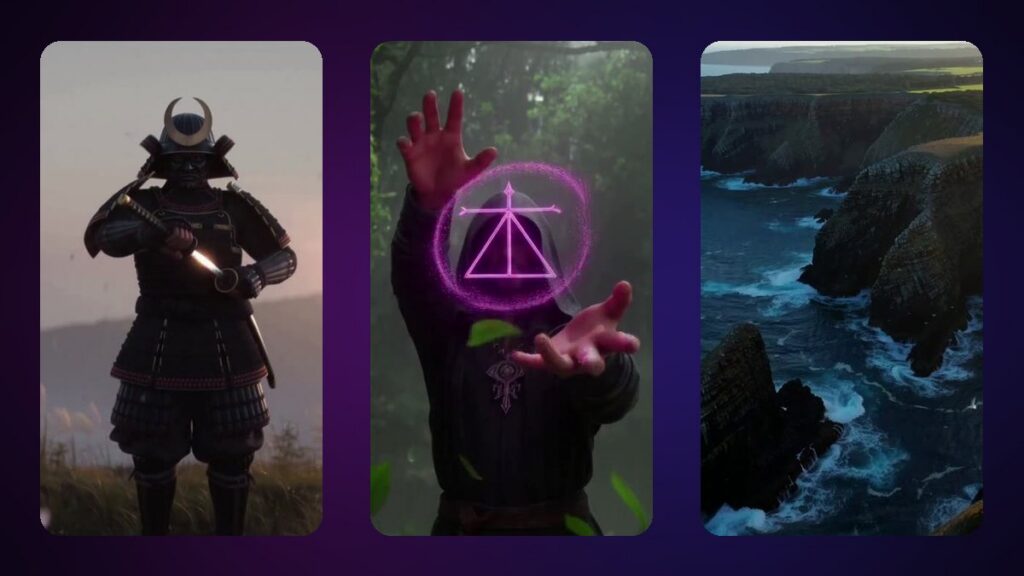
“Motion transfer” means taking the moves from one video and giving them to another character — making a picture dance, fight or wave exactly like someone in a clip. On iSamurai this now happens in ReImagine: you put your character into any video and it performs that video’s moves, with the original camera and sound. To bring a picture to life without a source video, use VideoGenJutsu. Updated November 2026.
Make a character copy the moves of a video
- Pick the motion video — the dance, the fight or the gesture you want — and upload it in ReImagine.
- Add one picture of your character: a person, a drawing, a mascot, an animal or an anime hero. Full body, clear, ideally on a plain background.
- Point at the person in the video your character should replace.
- Process. Your character performs exactly those moves, in the same scene, with the same camera and sound.
Animate a picture without a source video
In VideoGenJutsu, use your picture as the first frame or as a reference and describe what happens — “she bows, then draws the sword as the wind rises”. The video comes out with sound: voices, effects and music. Read how to make an AI video with sound for prompt tips.
Tips for smooth motion
- Choose a motion video where the whole body stays in frame.
- Match the proportions: a tall character on a tall dancer moves more naturally.
- Split long dances into parts of 5–10 seconds.
- A character sheet (front, side, back) keeps the look consistent when the dancer turns.
What it costs
ReImagine: 6 credits per second (10 in HD), on the paid plans — a 10-second dance costs 60 credits. VideoGenJutsu: from 4 credits per second at 480p, with free 1-second tests. All plans are on the pricing page.
FAQ
Can I make a picture dance for free?
Free accounts can try VideoGenJutsu with 1-second tests. Copying the moves of a video with ReImagine starts on Kohai.
Does it work with cartoons and anime characters?
Yes — the character can be a real person, a drawing, a mascot, an animal or an anime character.
Can I only swap the face or the head?
Yes: use the face swap or the head swap; replacing the whole person is a character swap.
More: Imagine to prepare the character picture, the guide on how to edit a video with AI, and all guides.